

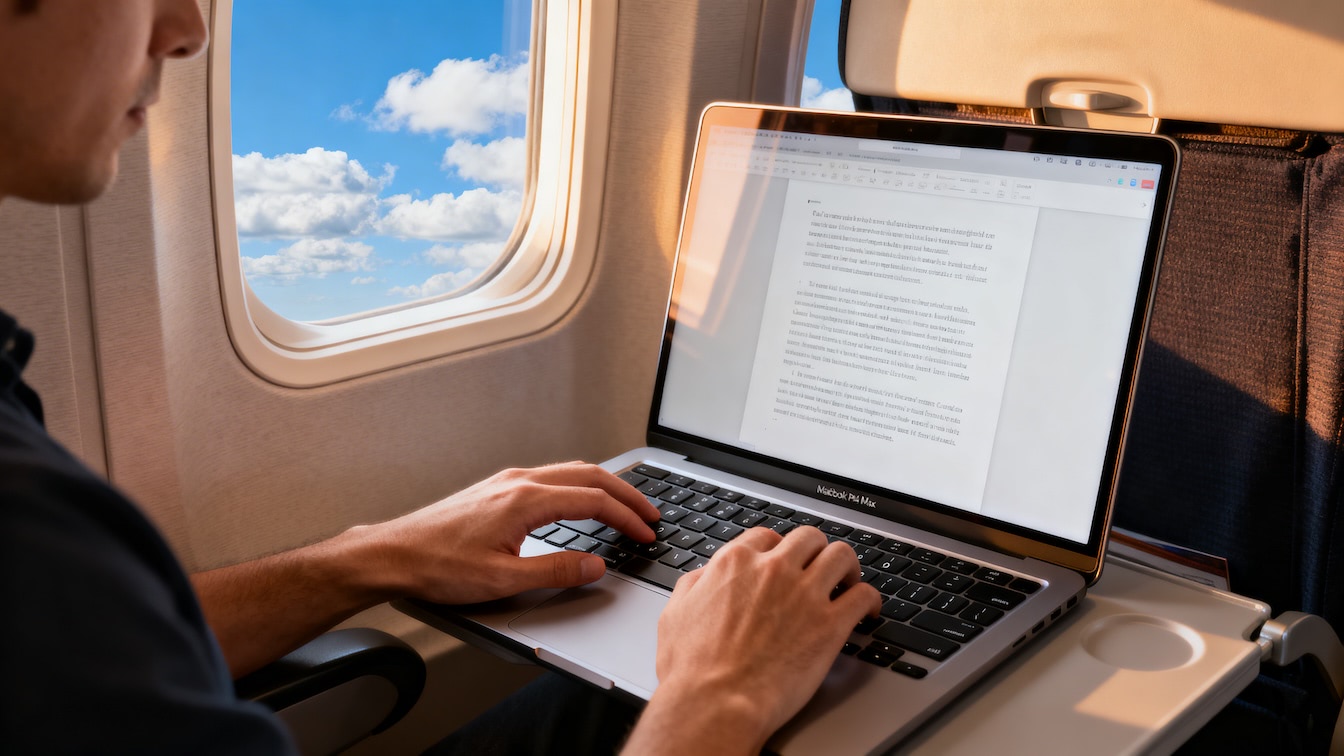
MacBook Pro 16″ (M4 Max)
-
The Hardware: M4 Max SoC with a 16-core CPU (12 performance, 4 efficiency) and a massive 40-core GPU.
-
The Memory: 128GB of Unified Memory with 546GB/s bandwidth.
-
The I/O: Triple Thunderbolt 5 ports (120Gb/s) and a Nano-Texture Liquid Retina XDR display (1,000 nits sustained).
Why it’s the GOAT for work on the go: This isn’t just a laptop; it’s a portable render farm. With 128GB of unified memory, the GPU can access nearly the entire RAM pool, allowing you to edit 12K RAW footage or train local LLMs without hitting a swap file wall. The dual ProRes encode/decode engines mean you can scrub through multi-cam 8K timelines in DaVinci Resolve as if they were 1080p proxies. Plus, with Thunderbolt 5, you’re hitting external NVMe speeds that finally match internal storage, making “working off a drive” feel native.
iPad Pro (M4) & iPhone 17 Pro Max
On the road, the iPhone 17 Pro Max is my primary data ingest tool. With the new A19 Pro chip and the first-ever triple 48MP camera array, I’m shooting ProRes Log 2 directly to an external SSD. The new Vapor Chamber cooling ensures the chip doesn’t throttle during long 4K/120fps takes, and the 12GB of RAM keeps the AI-based depth mapping snappy.
When I need to prune the timeline, I switch to the M4 iPad Pro. The Tandem OLED display is the only way to accurately judge HDR highlights in a coffee shop. It’s thin enough to disappear in a bag but powerful enough to run Sidecar if I need a secondary color-grading monitor for the MacBook.
Beats Studio Pro
For audio monitoring, I’ve swapped to the Beats Studio Pro. While audiophiles might argue for open-back cans, for a mobile nerd, the USB-C Lossless Audio mode is the killer feature. It bypasses the internal DAC for a pure digital-to-analog conversion at 24-bit/48kHz. When I’m in a noisy airport, the Fully Adaptive ANC filters out the hum so I can focus on the Z-axis of my composition—using foreground objects like a winding road or local geology to add a sense of depth that a flat frame usually lacks.
